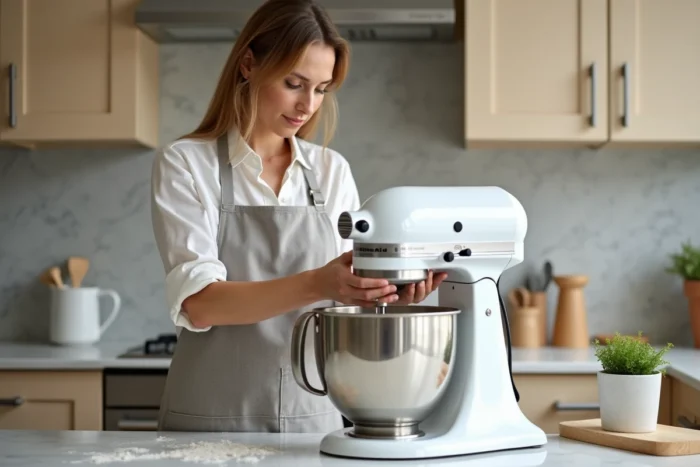
We just kneaded a pizza dough, turned off the motor, and tried to remove the bowl, but nothing moves. The KitchenAid bowl remains screwed to the base as if it had fused with it. Before forcing it (and risking cracking the mechanism), it’s better to understand what’s stuck to intervene in the right place.
Compatibility of KitchenAid Bowl and Base: The Overlooked Cause of Sticking
Most guides focus on dough residue or heat. They miss a more insidious problem: a bowl incompatible with the mixer base. KitchenAid has evolved its lugs and locking systems over the series. A bowl taken from an older model or purchased as a replacement without checking the serial number can fit together with slight force, only to get stuck after use.
The locking pin is then not aligned correctly. Under the vibrations of kneading, the bowl settles into a position from which it can no longer escape through the usual rotation. When detailing solutions for a stuck KitchenAid bowl, this compatibility issue frequently comes up in feedback from advanced users.
Before purchasing a replacement bowl, you must note the exact model number of the mixer (engraved under the base or on the back label) and cross-reference it with the bowl’s reference. The fixing lugs are not universal from one generation to another.
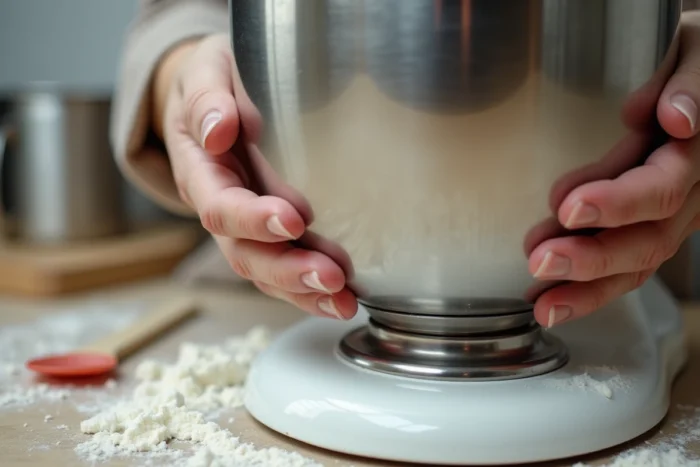
Misalignment of the Column After Kneading Heavy Doughs
When regularly preparing bread dough or thick cookie dough, the mixer vibrates more. These repeated vibrations can gradually loosen the “neck” of the mixer, the column that connects the head to the base. The resulting misalignment is sometimes invisible to the naked eye, but even a slight shift can cause the bowl to get stuck.
One then experiences an abnormally hard locking, with no visible signs of damage. On bowl-lift models, the problem is more frequent because the lifting mechanism amplifies any deviation of the column.
Check the Internal Screws of the KitchenAid Mixer
Several users have identified that slightly loose nuts and internal screws (in the rear assembly and around the column) cause both abnormal noises and excessive tightening of the bowl under load. The bowl seems “welded” to the base after intensive kneading.
A Phillips screwdriver and an Allen key are enough to tighten these fasteners. Remove the back cover (visible screws), locate the column screws, and tighten them without excess. If you’re not comfortable with the handling, an authorized repair technician can do it quickly. Feedback on this point varies by series, but the principle remains the same.
Unblocking a Stuck KitchenAid Bowl: Concrete Methods in Order of Priority
When the bowl refuses to turn, proceed step by step, starting with the least risky actions.
- Hot compress on the bowl-base junction: a cloth soaked in hot water placed for a few minutes on the fastening area slightly expands the metal and may be enough to free the bowl. Then try rotating it in the unlocking direction.
- A few drops of food-grade mineral oil around the locking pin: let it sit for about ten minutes for the oil to seep into the gap. Avoid vegetable oil, which can go rancid and stick over time.
- Light taps at the base of the bowl with the palm of your hand (not with a metal tool) to break the adhesion created by dried dough residue or caramelized sugar.
- If nothing works after these three attempts, stop. KitchenAid explicitly recommends not to force beyond a reasonable effort to avoid damaging the locking mechanism or the base.
Never slide a knife or screwdriver between the bowl and the base. The risk of scratching the enamel surface and distorting the fixing lugs is too high.
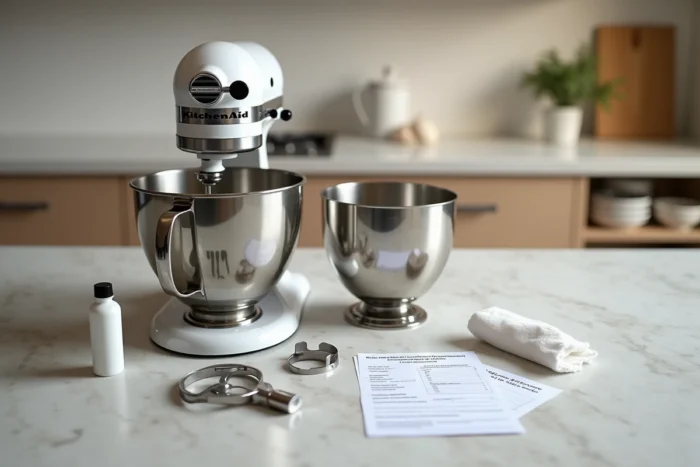
Preventive Maintenance of the KitchenAid Bowl and Base
Recurring sticking is often more of a maintenance issue than a mechanical defect. After each use, clean the bowl’s fastening area, especially the circular rail and the locking pin. A simple wipe with a damp sponge prevents dough residue from drying and creating a point of adhesion.
Regular Lubrication of the Locking Mechanism
Every two to three months (or more often with intensive use), a thin layer of food-grade mineral oil on the pin and fixing lugs prevents seizing. Apply the oil with a soft cloth, rotate the bowl two or three times on its axis, then wipe off the excess.
Storing the bowl detached from the base also limits wear on the lugs. Many users leave the bowl locked permanently for convenience, but this constant pressure on the fixing clips contributes to their deformation over time.
When to Contact KitchenAid Customer Service
If the bowl gets stuck after every kneading despite careful cleaning and tightened screws, the problem may come from a deformed lug or a worn internal part. In this case, only an authorized technician can diagnose whether replacing a specific part (pin, clip, or column) resolves the issue without having to replace the entire base.
A stuck KitchenAid bowl is almost never a sign of the mixer’s end of life. It’s a signal for maintenance, compatibility checks, or screws to tighten. Three simple actions, a cleaning habit, and the problem usually doesn’t return.